Self-Checkout Kiosk
Smart Kiosk
Scan · Pay · Go
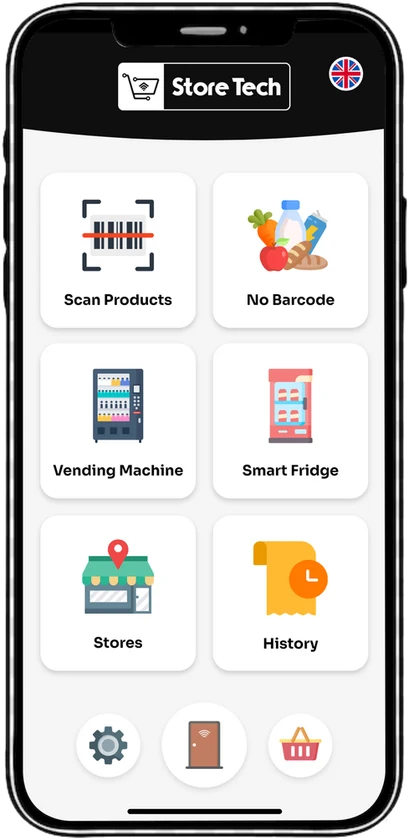
Smart Kiosk is a Self-Checkout kiosk for unmanned and staffed stores. Shoppers scan their items, pay by card, Mobile Wallet or QR Code, and leave with a digital or printed receipt.
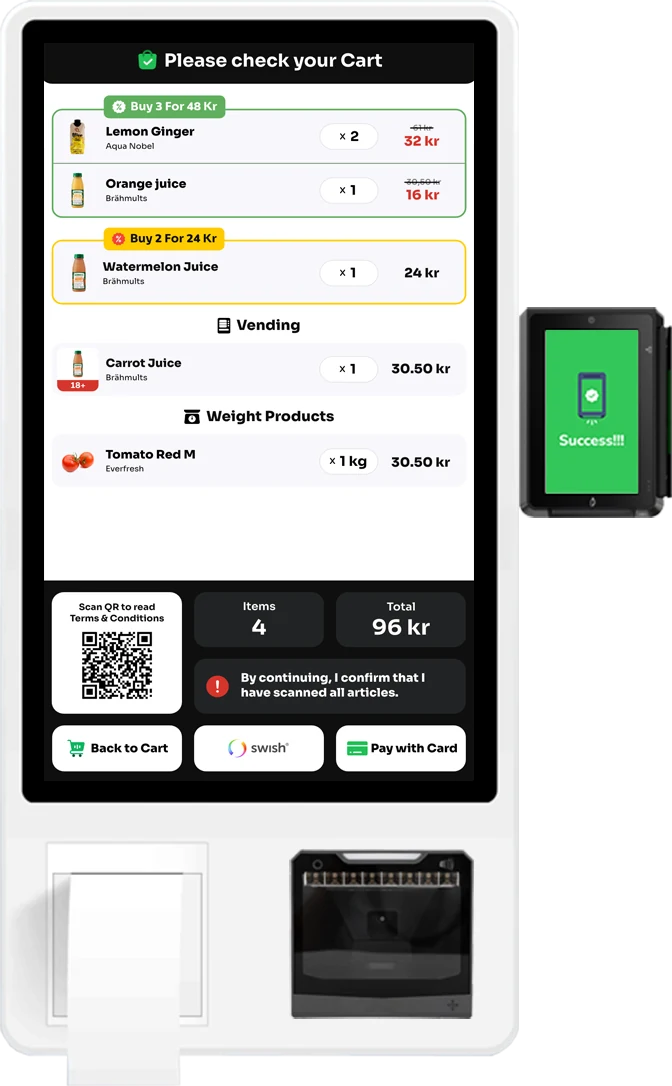
- 3 in 1
- Touchscreen, Barcode Scanner and Receipt Printer
- PAX IM30
- Integrated Payment Terminal
- 4
- Ways to Pay: Card, Apple Pay, Google Pay, QR
Try It
Smart Kiosk, in Your Hands
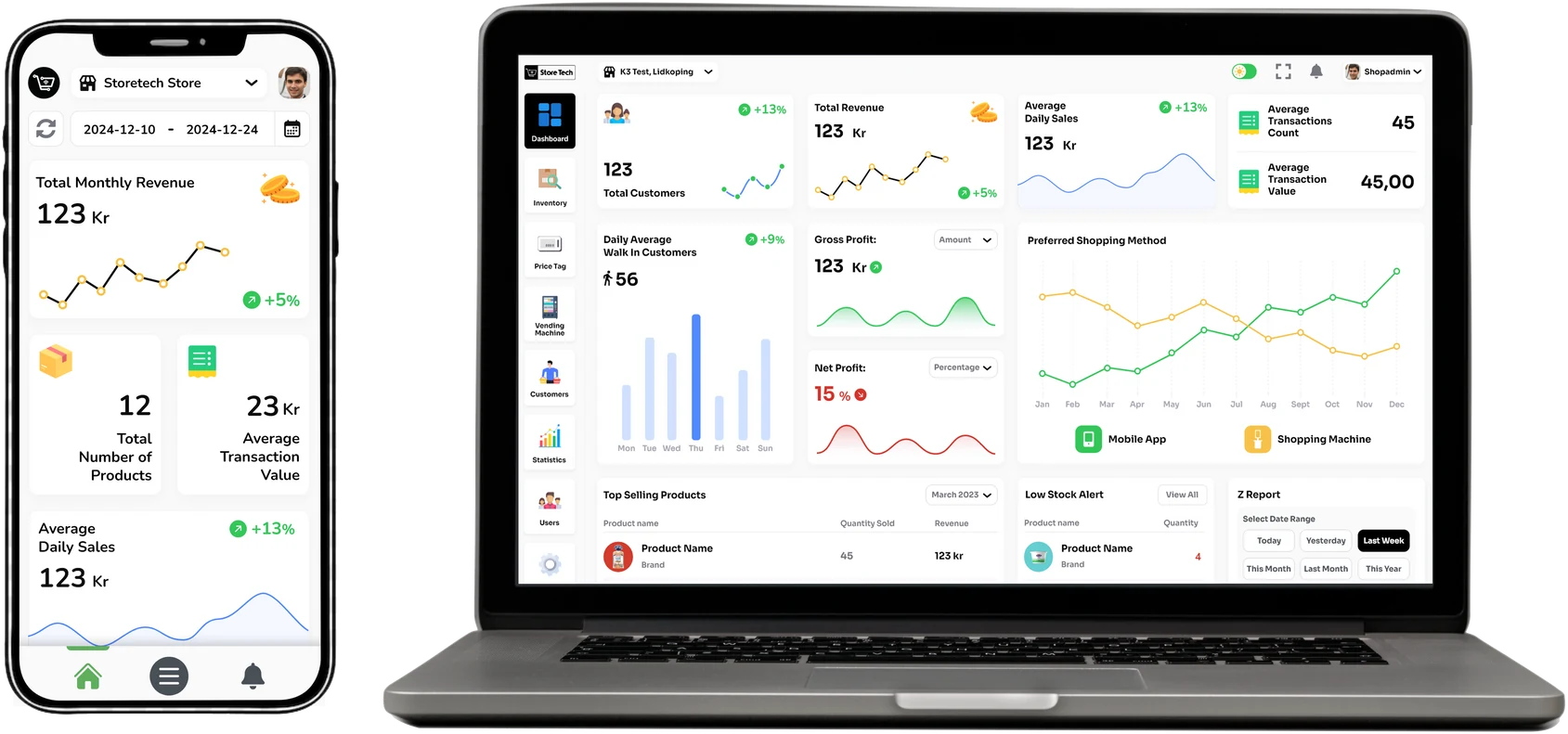
Every tap on the left shows up in Smart ERP on the right
- 1Scan
- 2Pay
- 3Receipt
- 4Go
Scan Your Items
Choose How to Pay
0
Payment Approved
How would you like your receipt?
Thank You
You Are Done
Receipt #0000
No queue, no cashier
Stock
Event Feed
What It Does
Everything Smart Kiosk Brings to the Store
- 01
Effortless Scanning
The built-in Barcode Scanner recognises products fast and accurately. Items without a barcode are added by hand on the screen.
- 02
Offers at the Right Moment
Real-time discounts, promotions and personalised savings appear at the kiosk. Promoted products pop up so shoppers never miss a deal.
- 03
A Cart the Shopper Controls
Add or remove items and apply discounts before paying. The checkout is fully customisable.
- 04
Fridge and Vending in the Same Basket
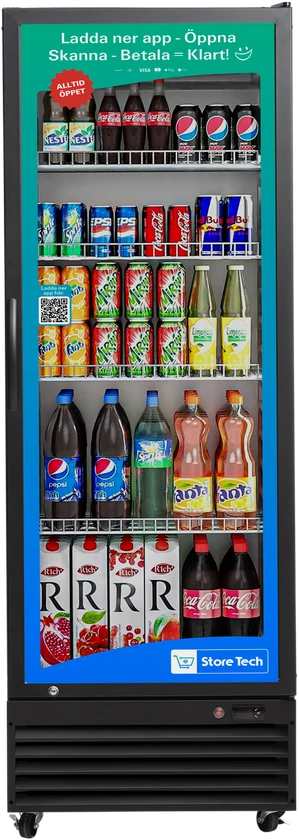
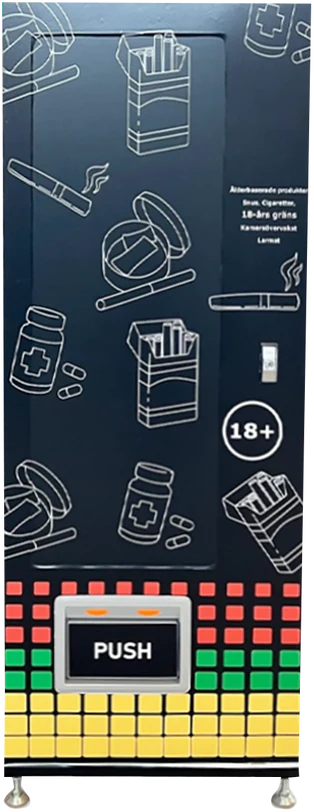
Products from Smart Fridge and Smart Vending are added to the cart at the kiosk with a simple add-to-cart option
- 05
Receipts Without Paper
Digital Receipts go to the shopper by email. A printed copy is there for those who want one.
- 06
Made for Everyone
A simple, intuitive interface with multilingual support, for shoppers of any tech familiarity
- 07
Secure and Always Ready
Encryption and secure payment gateways protect each transaction. Continuous monitoring and smart diagnostics keep the kiosk ready to serve.
- 08
Lighter on Energy
An energy-efficient design and paperless receipts reduce waste and consumption
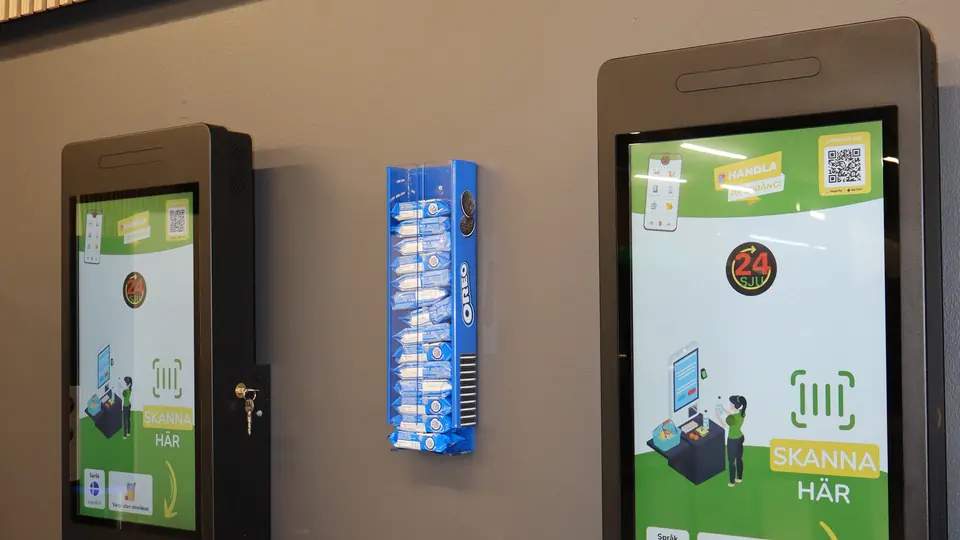
Checkout terminals in a live Unmanned Store
Photo from a store running on Store TechStep by Step
How It Works for the Shopper
- 01ScanHold each product to the Barcode Scanner, or add it on screen
- 02ReviewCheck the cart. Offers and discounts are applied automatically.
- 03PayCard, Apple Pay, Google Pay or QR Code on the PAX IM30 terminal
- 04ReceiptBy email or printed. Then walk out.
Where It Fits
Where It Is Used
24/7 Unmanned Convenience Stores
Fully autonomous stores where shoppers scan, pay and leave, with no checkout staff
Supermarket Express Lanes
Shorter checkout waits and more throughput at peak times
Quick-Service Restaurants
Self-order kiosks that take the order and the payment
Corporate Micro-Markets and Cafeterias
Checkout without staff for offices, with shorter lunch queues and longer service hours
Airport and Transit Retail
A multilingual interface, Digital Receipts and Mobile Wallet payments for travellers
Questions
Smart Kiosk, Answered
Something else? Ask the site, or ask an engineer.
Which Payment Methods Does Smart Kiosk Accept?
Smart Kiosk accepts credit and debit cards, Mobile Wallets such as Apple Pay and Google Pay, and QR Code payments, through an integrated PAX IM30 terminal.
What Happens with Products That Have No Barcode?
They are added manually on the Touchscreen. Weighed products and items from Smart Fridge and Smart Vending appear in the same cart.
Does Smart Kiosk Print Receipts?
Yes. The kiosk has a Receipt Printer, and it can also send a Digital Receipt by email so the shopper can go paperless.
Which Languages Does the Kiosk Support?
The interface is multilingual, so a store can serve a diverse customer base from one kiosk.
Can Smart Kiosk Work in a Staffed Store?
Yes. It suits unmanned grocery stores, convenience stores and any retail environment that wants to reduce its reliance on checkout counters.
Works with